Bitcoin Mining
How to Configure Miner Failover Routing Safely
Configure miner failover routing without sending shares to the wrong place. Set priorities, test recovery, and verify every backup endpoint before mining.
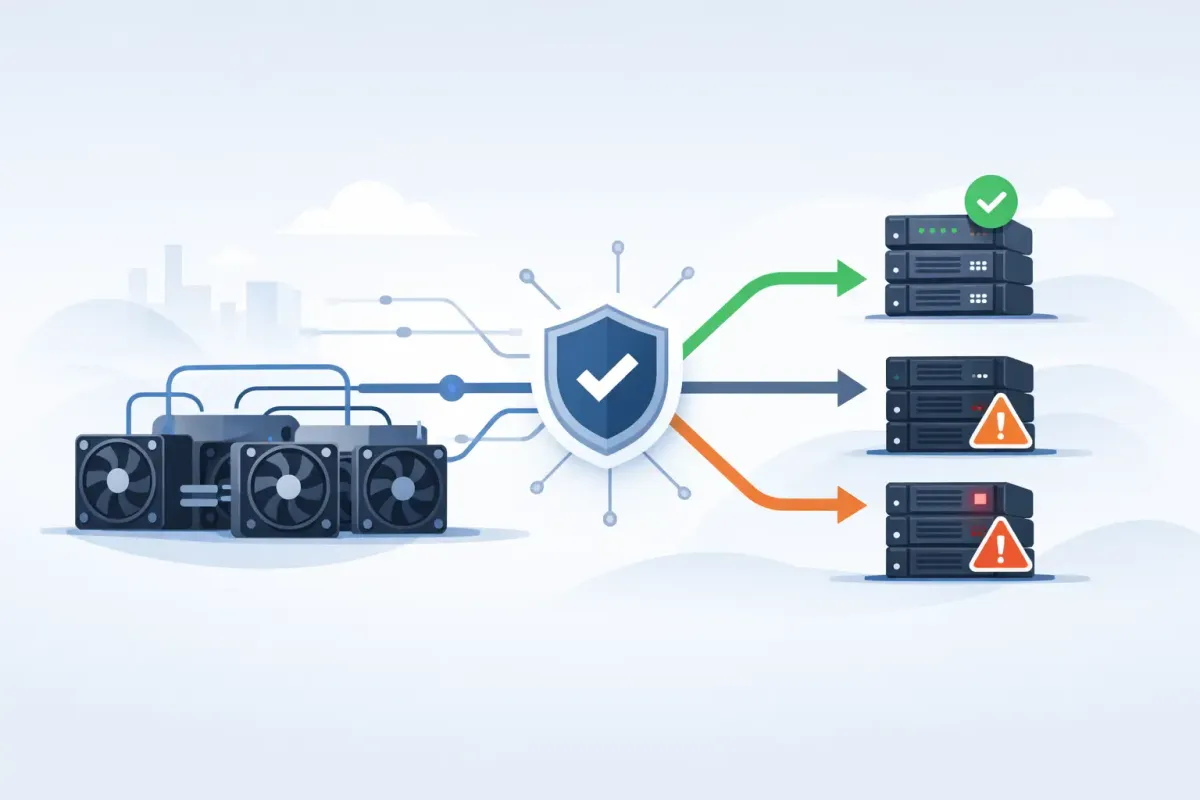
A miner that loses its primary pool connection does not need to sit idle. But a backup entry is not automatically safe. To configure miner failover routing correctly, you need to know where each rig will connect, what identity it presents, and what happens when the primary comes back.
Failover is a routing policy, not a promise of uninterrupted hashing. Your miner, firmware, network, and pool endpoint all decide when a connection is dead. A bad configuration can send work to an old address, a test pool, or a pool account you no longer control. That is not a theoretical failure mode. It is a configuration error waiting for an outage.
What miner failover routing actually does
Most miners store several pool entries. The first is the preferred destination. The remaining entries are backups. When the miner decides the active connection has failed, it attempts the next configured pool.
This sounds simple until you look at the implementation. Some firmware uses strict priority. It mines the first entry until it fails, then tries the second, then the third. Other firmware can rotate entries, use quota-based load balancing, or periodically test a lower-priority pool. Those modes are useful in some operations, but they are not failover in the strict sense.
For a home miner or small fleet that wants one intended destination, use priority mode. Your primary pool should receive all normal hashrate. A backup should receive work only when the primary route is unavailable.
Failover also has limits. If your internet connection is down, a second remote pool does nothing. If your miner freezes, it may never reach the point where it tries a backup. If DNS fails but an existing connection remains open, the miner may continue hashing normally. Understand which failure you are planning for before adding more entries.
Set the primary and backup identities first
Every pool row generally needs three values: a server URL, a worker name or username, and a password field. The password is often ignored by pools, but some firmware requires it to be populated.
The worker name matters because it can contain a payout address, an account name, a rig label, or a combination of these. Do not assume that copying a server URL is enough. A backup pool may require a different username format. If it uses a payout address, confirm the address character by character before saving it.
For a direct-to-address solo configuration, use the same Bitcoin payout address on each intended entry only when each destination supports that format and you genuinely want the same payout destination. A worker label can help identify the machine without changing ownership, for example:
bc1youraddress.rig-kitchen
The exact separator and label rules depend on the pool and firmware. Treat the pool's documented syntax as part of the route. A URL without the correct worker identity is not a complete failover configuration.
Before activating a new route, check the displayed payout address in the miner interface. Then check it again in the pool-side status, preflight, or worker view if one is available. The miner is the source of submitted work. The pool's accepted-work record is the evidence that the route behaved as expected.
Configure miner failover routing in priority order
Start with two entries, not five. One primary and one deliberate backup make testing possible. Extra destinations often hide mistakes until you need them most.
A generic Stratum V1 configuration may look like this:
Pool 1 URL: stratum+tcp://primary.example:3333
Pool 1 User: bc1youraddress.rig-kitchen
Pool 1 Pass: x

Pool 2 URL: stratum+tcp://backup.example:3333
Pool 2 User: bc1youraddress.rig-kitchen
Pool 2 Pass: x
The address, domain, port, and syntax above are examples. Do not copy them as a live configuration. Enter the actual endpoint supplied by the service you selected.
Then find the firmware setting that controls pool strategy. Names vary. You may see Priority, Failover, Load Balance, Rotate, Balance, or Quota. Select Priority or Failover. Avoid load balancing if your purpose is a standby route. A load-balanced miner can send a portion of shares to a backup during normal operation. That makes routing harder to audit and may not match the payout model you chose.
On a Bitaxe, NerdAxe, NerdQAxe, or similar ESP32-class miner, the menu is usually compact, but the same rule applies. Set the desired pool first. Add a backup only after the primary is submitting accepted shares. Save the configuration, then confirm the device retained it after a reboot. Small devices can lose settings after a failed save, a firmware update, or an interrupted power cycle.
For standard ASICs, check whether the interface labels pools as Pool 1, Pool 2, and Pool 3. In many cases that order is the priority order. Do not assume it is. Read the firmware's pool-strategy description and test the behavior.
Choose backups based on the failure you expect
A second hostname at the same pool can protect against a single point of presence or a local route problem. It does not protect against every pool-side failure. A completely separate pool can provide broader operational separation, but it also means a separate set of payout rules, work accounting, and verification methods.
There is no universally correct answer. If your priority is keeping a single verifiable mining arrangement, use a secondary endpoint only when you understand its relationship to the primary. If your priority is minimizing idle time during a wider service outage, a separate operator may be appropriate. The trade-off is that your miner may work under a different policy while failover is active.
For Bitcoin mining on NexusPool, nexuspool.io:3350 is a fixed route to Los Angeles. pool.nexuspool.io:3350 is geo-steered toward the nearer healthy North American point of presence. The same port supports Stratum V1 and native encrypted Stratum V2, so compatible V2 firmware does not need a translator solely to reach that endpoint. That is useful for miners running AxeOS or BraiinsOS+.
Do not treat two names as automatically independent backups. Verify what each route is intended to do. A fixed endpoint can make troubleshooting more reproducible. A geo-steered endpoint can offer a healthier route when network conditions change. The right choice depends on what you are testing and what failure domain you want to avoid.
Test the route before an outage tests it for you
A failover entry that has never been tested is an unverified claim in a settings page. Test it during a period when a brief interruption is acceptable.
First, record the miner's normal state. Note the active URL, worker name, local hashrate, accepted-share count, and any pool-side worker status. Then temporarily make the primary unreachable. The cleanest method is often to disable Pool 1 in the miner interface or replace its hostname with an invalid one for the test. Avoid repeatedly power-cycling the miner. You want to test routing, not introduce unrelated startup behavior.
Watch the log or status screen. Note how long the miner waits before trying Pool 2. Some devices switch in seconds. Others wait through connection retries and a timeout window. That delay is firmware behavior, not a pool guarantee.
Once the backup connects, verify all three of these facts: the active URL is the backup, the displayed worker identity is correct, and accepted work appears at the intended destination. A green connection indicator alone proves very little. It can show a socket is open while the worker name is rejected or shares are not accepted.
Restore Pool 1 and observe recovery. In strict-priority mode, the miner should eventually return to the primary. Some firmware stays on the backup until that connection fails, even after the primary is healthy again. If that is how your miner behaves, document it. You may need a manual reconnect or a scheduled maintenance step to restore the preferred route.
Avoid the common routing mistakes
The most expensive mistake is an outdated payout address in a backup entry. This happens when a miner is repurposed, a wallet is changed, or an old configuration is copied to a new device. Keep a simple record of every rig, its primary URL, its backup URL, and the payout address each route uses.
The next mistake is confusing a backup with a load-balance target. If you see shares arriving at multiple destinations during normal operation, check the strategy setting before blaming the pool or the network.
A third mistake is using a backup that cannot actually handle your protocol. A Stratum V1 ASIC needs a V1-compatible entry. A native Stratum V2 setup needs a V2 endpoint and the correct authority-key validation where applicable. A translator changes the architecture and adds another component that can fail. That may be acceptable, but write it down as part of the route.
Finally, do not make your miner hide a problem forever. Repeatedly failing over can mask packet loss, weak Wi-Fi, a bad DNS resolver, or an overheating controller. Review logs when a backup activates. Failover should preserve optionality while you investigate the primary failure. It should not turn a persistent fault into background noise.
Your configuration is complete when you can state, without guessing, where the rig mines normally, where it mines during failure, how long the switch takes, and where any solved-block payout would be constructed. Test those facts with your own hardware. Trust nothing. Verify your failover path.