Bitcoin Mining
Configure S19 Solo Endpoint in 5 Minutes
Configure S19 solo endpoint settings for Bitcoin mining: enter your address, save the pool, check shares, and verify where a found block pays out to you.
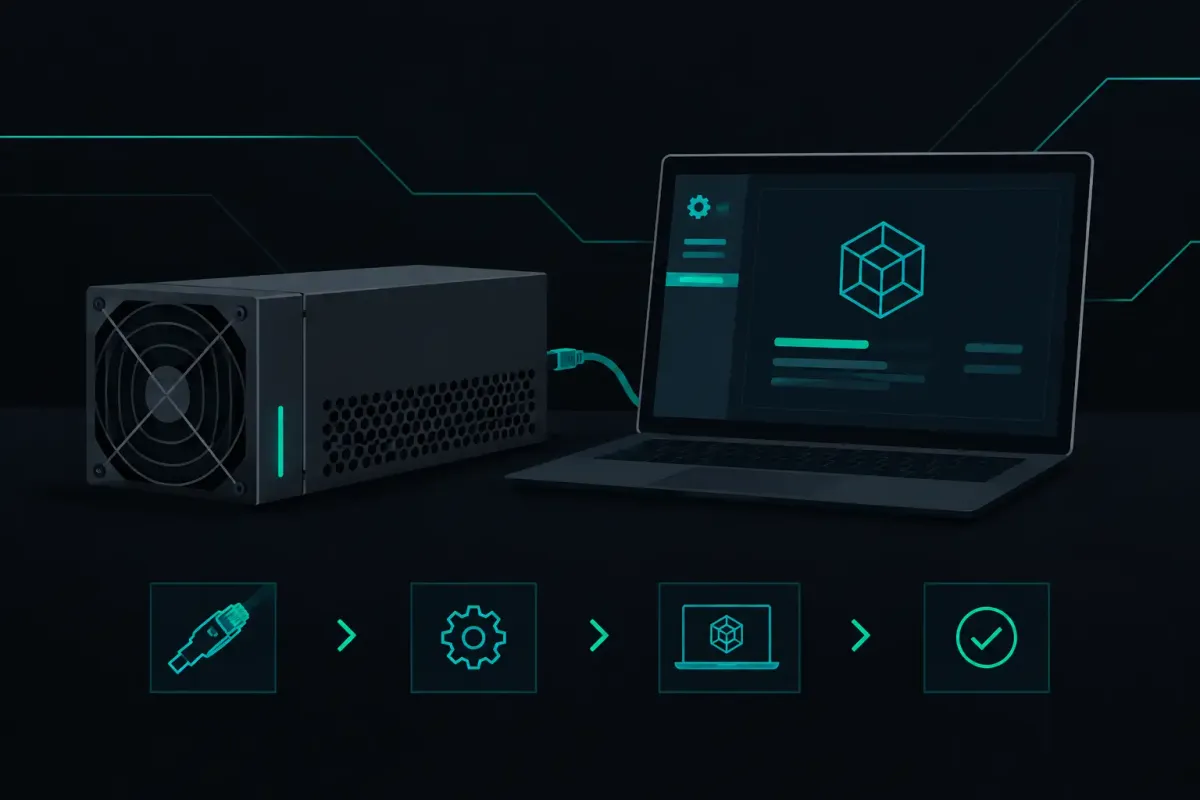
An S19 does not need an account to mine solo. It needs a reachable pool address and a Bitcoin address that you control. To configure S19 solo endpoint settings for NexusPool (nexuspool.io), point the miner at solo.nexuspool.io:3350, then use your own Bitcoin address as its identity.
That address matters more than the worker name. If your rig finds a valid Bitcoin block, the block reward is constructed to pay the subsidy and transaction fees to that address inside the block. Nothing waits in a pool balance for you to request later.
Solo mining is still a lottery. Network difficulty sets the odds at every pool. An S19 can run for a long time without finding a block, and an average wait is not a schedule. The configuration only determines where the rig sends work and where a found block pays.
What you need before configuring an S19
Have a Bitcoin address ready before opening the miner page. Use an address from a wallet you control. Do not use an exchange deposit address if you want the payout under your own custody. An exchange can change or close deposit addresses, and it may not support a payment shaped like a block reward.
You do not need a NexusPool account, email address, or API key. The pool identifies the S19 by the Bitcoin address sent in its mining login.
You also need the S19's local IP address. Most miners show it in your router's connected-device list, or you can use the IP Report function if your control board and network support it. Enter that address in a browser while connected to the same local network.
Configure the S19 solo endpoint
The menu wording varies by S19 firmware. On stock-style interfaces, look for Miner Configuration, Mining Settings, or Pools. You will usually see three pool rows, each with fields for a URL, worker, and password.
Enter these values in the first active pool row:
- Pool URL:
stratum+tcp://solo.nexuspool.io:3350 - Worker or Username: your Bitcoin payout address
- Password:
x
Some firmware rejects a URL with stratum+tcp:// because it adds the protocol itself. If that happens, enter solo.nexuspool.io:3350 instead. Do not substitute nexuspool.io:3350. The Bitcoin mining endpoint is specifically solo.nexuspool.io:3350.
The password is not a wallet password. It does not control payout, and it should never be your seed phrase, exchange password, or miner dashboard password. The address in the Worker or Username field is what identifies the destination for a found block.
If your firmware supports worker labels, you can add one without replacing the address. A label can help you tell several miners apart in local records. Keep the payout address intact. If you run one S19, the plain address is the least complicated choice.
Save or apply the configuration. The control board should restart its mining process, then establish a Stratum connection. This may take a few minutes while the S19 begins receiving jobs and ramps back to normal hash rate.
What to do with pool slots two and three
Pool slots are failover entries on most S19 interfaces. If this machine is dedicated to Bitcoin solo mining, do not put a different chain or an unrelated destination into a backup slot by accident. A failover switch changes where the S19 sends its work.
You can leave unused rows blank if your firmware allows it. If it requires all rows to be populated, use the same solo endpoint and the same payout address, then verify the active connection after saving. The purpose is not to create more chances of finding a block. Network difficulty and your hash rate still set those odds.
Check that the S19 is actually connected
Return to the miner's status page after the configuration is saved. Look for the active pool address, an alive or connected status, and accepted shares. The exact labels differ by firmware, but the first question is simple: does the miner show solo.nexuspool.io:3350 as the pool it is using?
A share is not a Bitcoin block. It is the miner's evidence that it is working on a job and meeting the share target set for it. Accepted shares show that the pool can read and count the work your firmware sends. A valid block is much rarer.
Do not panic over a single rejected or stale share after a reconnect. A rig can finish work from an older block template just as the network moves to a new block. What deserves attention is a continuing rejection pattern, a disconnected status, or a hash rate that stays at zero after the normal startup period.
Start with the local causes. Check the S19's DNS setting, gateway, Ethernet link, and clock. A bad network route can make the miner appear connected while producing late work. Also check that another pool row did not become active because the first URL was entered with a typo.
NexusPool gives miners a reason for shares it reads and rejects. That is useful when troubleshooting, but the S19 status page remains the first place to check. It shows whether the machine is hashing, whether it has a pool connection, and whether its work is being accepted.
Verify the payout address before a block exists
A pool dashboard balance cannot tell you where a block reward will land until a payout is made. Direct block construction can. NexusPool's Payout Preflight builds the payout for your address on the current block before your rig finds anything.
Use it after configuring the miner. Enter the same Bitcoin address you placed in the S19 Worker field. Check that the displayed destination is your address and that the reward is shown as a transaction output in the candidate block.
This check has a limit. The transaction set and fees in a candidate block can change before a block is found. Payout Preflight shows the construction for the current block, not a promise that the next block will contain an identical fee total. The destination is the part you are checking: your address should be embedded in the payout path, rather than held as a number in a pool account.
Do not change firmware just to use this endpoint
Most standard S19 installations use Stratum V1. The endpoint accepts Stratum V1 and encrypted Stratum V2 on the same port, but the protocol is chosen by the firmware. If your S19 does not explicitly support Stratum V2, configure the normal Stratum URL and leave the firmware alone.
Replacing firmware has trade-offs. It can change thermal behavior, fan control, tuning options, warranty status, and recovery procedures. It is not required to point an S19 at the solo endpoint. Start with the connection path you already have, then change one variable at a time if you later choose to alter firmware.
The pool steers a Bitcoin miner to a nearby healthy region. It runs Bitcoin nodes in Los Angeles, Chicago, Frankfurt, and Singapore. A longer network round trip can delay new work and status updates for miners far from those regions. It does not change the odds of finding a block.
If the miner will not connect
First, copy the endpoint again rather than retyping it. The common errors are using the website domain instead of the mining hostname, omitting port 3350, or placing the Bitcoin address in the password field.
Next, test whether the S19 can resolve the hostname. If its status page shows a DNS error, use working DNS servers on your router or in the miner's network settings. If it resolves the name but cannot connect, check whether your router, firewall, or ISP blocks outbound TCP traffic on port 3350.
Finally, confirm the address is a Bitcoin address, not a Litecoin, Bitcoin Cash, or exchange account identifier. Bitcoin Cash and Litecoin use separate endpoints because they are separate mining processes. An S19 configured for SHA-256 Bitcoin mining belongs on solo.nexuspool.io:3350.
Keep the setup boring. Use the correct hostname, use an address you control, and verify the payout construction before you wait on luck. Trust nothing. Verify where your S19's found block would pay.