Solo Mining
How to Connect Avalon Nano 3S to Solo Mining
Connect Avalon Nano 3S to a Bitcoin solo pool with your own address, verify the worker status, and check where a full block reward would go first safely.
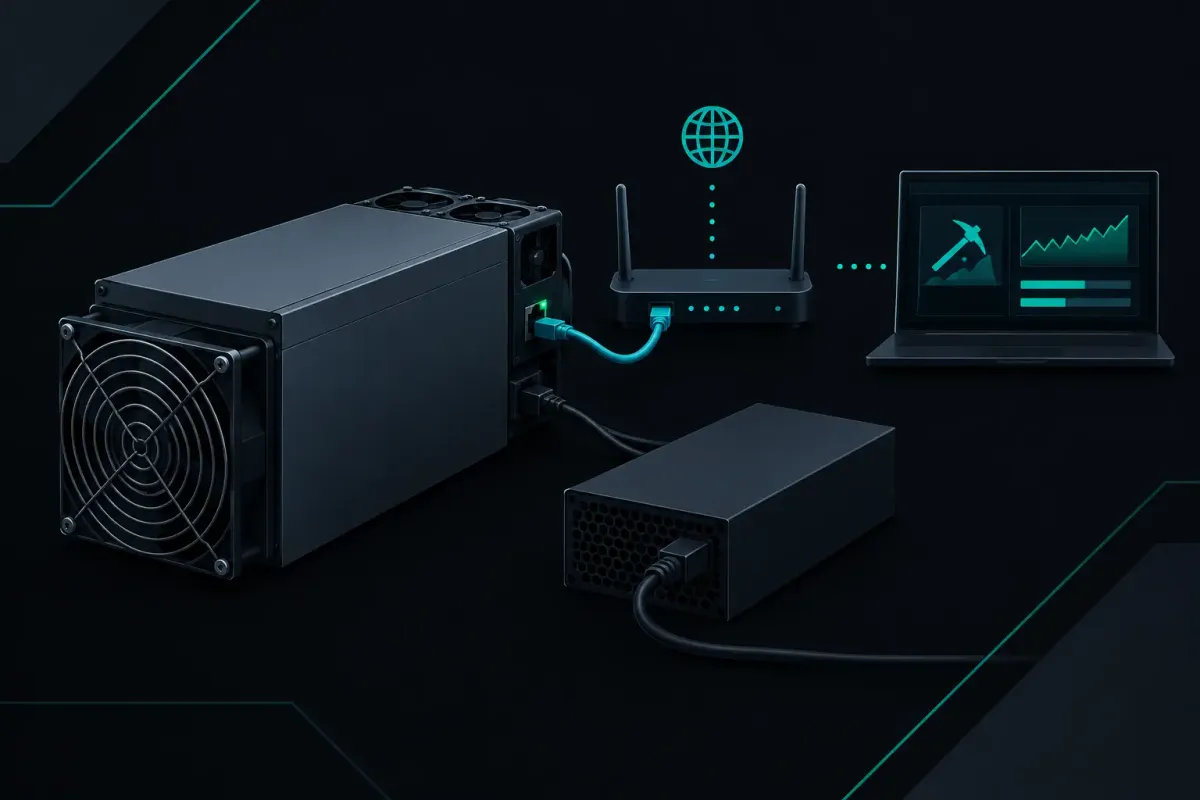
Your Avalon Nano 3S does not need an account to mine solo. It needs a Bitcoin payout address, a reachable pool endpoint, and a saved pool configuration. To connect Avalon Nano 3S to NexusPool (nexuspool.io), point its Bitcoin mining settings at solo.nexuspool.io:3350 and use an address you control.
That is the connection path. The part worth checking comes next: if your rig finds a valid Bitcoin block, the block reward is built to your own address. That includes the subsidy and the transaction fees. The pool does not hold a balance for later withdrawal.
Solo mining is a lottery. Network difficulty sets the odds at every pool. A smaller miner can run for a long time without finding a block, and an expected wait is not a schedule. Connecting correctly does not change that. It makes sure the rig is doing the work you intended and that a winning block has somewhere specific to pay.
What you need before you connect Avalon Nano 3S
Have your Bitcoin address ready before opening the Nano 3S control page. Use an address from a wallet where you control the keys. Check every character before saving it. A Bitcoin address is not an account name. If it is wrong, a block reward sent there is not recoverable by the pool.
You also need the Nano 3S on your local network and reachable through its web interface. The exact menu names can differ by firmware version, but look for a page named Pool, Mining, Miner Configuration, or something close to it. Do not change voltage, frequency, or fan settings just to change pools. Those are separate decisions.
Keep the rig powered during the change. A brief reconnect is normal after saving new pool settings. Repeated restarts are not required.
Enter the Bitcoin pool settings
Open the Nano 3S mining configuration page. Add or replace one pool entry with the Bitcoin endpoint:
solo.nexuspool.io:3350
For the worker name or username, enter your Bitcoin payout address. The address identifies where a found block should pay. If the firmware has a separate worker-label field, you can add a short label for the device, such as nano3s-office. A label helps you recognize the rig in status pages. It does not create a second payout destination.
Some Avalon firmware asks for a password even when the pool does not use one for payout. Enter the value required by that firmware, often a simple placeholder such as x, unless the device interface gives different instructions. Do not put a wallet seed phrase, private key, exchange password, or any secret in the password field. A mining pool never needs those to pay a Bitcoin address.
Save the settings. The Nano 3S should reconnect and begin requesting work. Leave the other configured pool slots alone only if you deliberately want them as fallbacks. If you use fallback entries, make sure you know where each one pays. A rig that fails over to another endpoint may no longer be mining under the payout rules you meant to use.
One port, two connection types
The endpoint uses port 3350 for standard Stratum V1 and encrypted Stratum V2. Most small home miners, including many Avalon Nano 3S units, use Stratum V1. You do not need to select a different address for that.
If your firmware offers protocol choices, use the protocol it supports. Do not select Stratum V2 merely because it is available on the pool side. A setting only helps when the rig can speak it correctly.
Check that the Avalon Nano 3S is actually mining
After the rig reconnects, open its status page. Give it a few minutes. Look for a current pool connection, an accepted-share count, and a hashrate reading that settles near the range you expect from your configuration.
The most useful first check is simple: accepted shares should begin increasing. A miner can be connected to Wi-Fi and still fail to submit usable work. Accepted shares show that the pool read a share in the form the firmware sent and counted it.
A small number of rejected shares can occur for ordinary reasons, including stale work after a new Bitcoin block arrives. The pattern matters. If nearly every share is rejected, stop treating it as background noise. Check the endpoint, the address in the worker field, the device clock if the firmware exposes it, and the quality of the local network connection.
If the Nano 3S shows no accepted shares, verify that the endpoint has no http:// or https:// prefix. It is a mining server address, not a website address. Also check that the port is exactly 3350.
Home network equipment can cause trouble too. Guest Wi-Fi isolation, captive portals, restrictive DNS settings, and firewall rules can prevent a miner from reaching a pool. The Nano 3S does not need an inbound port opened from the internet. It needs an outbound connection to the endpoint.
Check the payout before your rig finds anything
A found Bitcoin block is rare for a home miner. That is why the payout destination should be checked before a find, not after one.
Use Payout Preflight with the same Bitcoin address entered in your Nano 3S. It shows the payout constructed for that address on the current block. You can inspect where the subsidy and transaction fees would go if your rig found that block now.
This check has a limit. The current block changes when the network finds a new one. Transaction fees also change with the block template. Preflight does not predict a future block's exact total. It shows the destination and construction for the current one.
That distinction matters. The payout address is your choice. The final transaction fees depend on the transactions available when a block is assembled. The pool can show the path before a win. It cannot promise when a win happens or what future fees will be.
What happens when Bitcoin finds a new block
Your Nano 3S periodically receives new work. When the Bitcoin network finds a block, work on the old block becomes stale. Distance and local network conditions affect how quickly the new job reaches the miner. They do not change the odds of finding a block, which come from hashrate and network difficulty.
For Bitcoin work, the pool can prepare a first job from a new block header before its node finishes validating that block. On the Frankfurt server, the median time from header to work was 0.49 ms across 162 mainnet blocks on September 10 and 11, 2026. That first job carries no transactions. It is an early start, not a fee claim.
Once validation completes, normal work can include transactions. This is why a connection article should not pretend that one latency number describes every rig or every location. A miner far from the pool regions has a longer round trip. The effect is how quickly it receives work and sees status changes, not the probability set by Bitcoin's difficulty.
Common Avalon Nano 3S connection mistakes
The first mistake is using an address from an exchange or a service you do not control. Use a wallet address under your control. The second is copying an address with a missing character or an invisible space. Paste it, then compare the beginning and end against the wallet.
The third is treating a worker label as the payout address. The Bitcoin address belongs in the worker or username field when the firmware uses that field for pool identification. A friendly device name is only a label.
The fourth is assuming green status means everything is correct. A connected miner still needs accepted shares. A miner with accepted shares still needs the correct payout address. Check both.
Finally, do not read a period without a block as a connection failure. Solo mining has long quiet stretches by design. Diagnose the rig from its connection state, accepted shares, hashrate, temperature, and error messages. Do not diagnose it from whether it has won a lottery.
Leave the rig on, then verify the path
Once the Avalon Nano 3S shows accepted shares and the address matches your wallet, the practical setup is complete. You can leave it mining and check its local status page when you want to confirm it remains connected.
If the rig finds a block through Los Angeles, Chicago, or Frankfurt, the pool writes the found block to disk before sending it to Bitcoin nodes in those three cities. Singapore sends a found block to its own node. After a restart, a pending block is submitted again. These are delivery steps, not promises about luck.
Your one useful check is still the simplest one: run Payout Preflight for the address in your Nano 3S and inspect where the current block reward would land. Trust nothing. Verify your payout destination.