Stratum V1
How to Connect Legacy ASICs Over Stratum
Connect legacy ASICs over Stratum with a Bitcoin address, set the right endpoint, check your payout path, and know what old firmware can and cannot do.
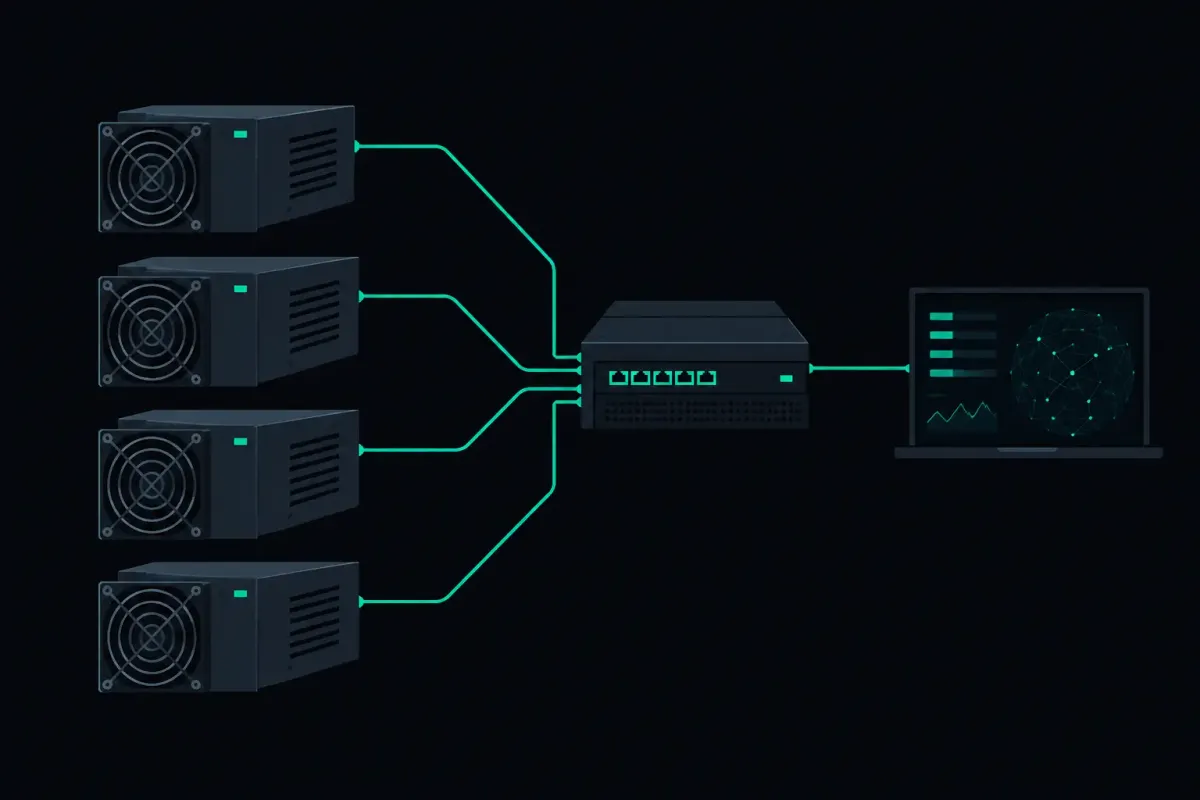
Your older ASIC does not need an account, a dashboard login, or a new control board to solo mine. To connect legacy ASICs over Stratum, point the miner at a pool endpoint and identify the work with the Bitcoin address that should receive a found block.
That sounds ordinary because it is. The details matter when the machine is old enough that its firmware calls fields by confusing names, drops a connection without much explanation, or supports Stratum V1 only.
Connect Legacy ASICs Over Stratum
For Bitcoin mining, NexusPool (nexuspool.io) accepts a connection at:
solo.nexuspool.io:3350
Enter that address in the pool URL, server, or Stratum host field in your ASIC's web interface. If the firmware has separate host and port fields, enter solo.nexuspool.io as the host and 3350 as the port.
Use your own Bitcoin address in the field labeled worker, username, or user. The address is not an account identifier. It tells the pool where a block reward belongs if your machine finds a valid block.
The pool uses no account and no KYC. A valid Bitcoin address is the connection identity that matters for payout.
Legacy ASIC firmware commonly offers three fields: pool URL, worker name, and password. Names differ between vendors and firmware versions, so start with the field meanings rather than the labels. The endpoint goes in the URL field. Your Bitcoin address goes in the worker or username field. If the firmware requires a password field to be filled, follow the firmware's local requirement. The payout address is still the part that identifies your mining connection.
Save the settings, then allow the miner to restart its mining process. A working connection normally shows an active pool, a current job, and accepted shares after the machine has begun hashing. The wording varies. Older interfaces often show little more than Alive, Accepted, Rejected, and a timestamp.
Do not use the address of the pool's website as the mining server. A browser address and a Stratum endpoint do different jobs. The Bitcoin endpoint is solo.nexuspool.io:3350.
Why old ASICs use Stratum V1
Most legacy ASICs speak Stratum V1. Many home miners do too. It is the protocol their firmware was built to use, and it is enough to receive mining jobs and submit shares.
The same NexusPool port also accepts encrypted Stratum V2. That does not require a Stratum V1 machine to change anything. An older ASIC can keep using V1 at solo.nexuspool.io:3350. A newer device that supports V2 can use the same host and port with its own V2 settings.
Do not enable a protocol mode your firmware does not actually support. A menu item named V2, secure mining, or encrypted mining can mean different things across firmware builds. If the device was made for V1 and has no documented V2 configuration, use its normal Stratum configuration.
This is not a reason to assume an old machine is private by default. Standard Stratum V1 was designed before encrypted mining connections became common. If connection privacy is your concern, check what your specific firmware supports rather than relying on a label in a reseller listing.
Check the address before the miner hashes
Solo mining is a lottery. Network difficulty sets the odds, and those odds are the same at every pool for the same hashrate. An average wait is not a schedule.
What you can check before mining is where a successful block would pay.
Payout Preflight constructs the payout for your Bitcoin address on the current block before your rig finds anything. It shows the output that would put the block subsidy and transaction fees at your address. NexusPool takes a 0% pool fee.
That check is worth doing before you leave an ASIC running for weeks. A mistyped address does not become more correct after more hashes. Compare the address in your miner's worker field with the address shown in the preflight result. Check the first characters, the last characters, and the address type if your wallet displays one.
A found block is not paid later from a pool balance. The reward output is inside the block your rig finds. That is the custody boundary. There is no account balance for the pool to hold on your behalf.
What accepted shares mean on a solo connection
An accepted share is not a partial payout and not evidence that a block is close. It is a result your ASIC submitted that met the pool's share target. Shares let the pool confirm that the miner is receiving jobs and returning valid work.
A block requires a much rarer result: a hash that meets the Bitcoin network target. Your miner can submit many accepted shares and never find a block. It can also find a block without any meaningful pattern in the accepted-share counter beforehand.
Rejected shares need context. A few categories matter on an older ASIC:
- A stale share was built on work that was replaced after the network moved to a new block.
- A low-difficulty share did not meet the target assigned to the miner.
- A malformed share could not be read as valid Stratum data.
- A duplicate share repeated work the pool had already received.
One rejected share is not a diagnosis. Look at the reason and the rate. A persistent stream of stale shares can point to network delay, an unstable local connection, or a miner that is slow to switch jobs. Repeated malformed submissions can point to firmware behavior or a proxy between the ASIC and the pool.
The pool reads submitted shares the way the firmware writes them and records a reason when it rejects one. It also holds a rig's assigned difficulty when the rig goes quiet for a few minutes. That avoids treating a short interruption like a new, unknown miner with a fresh difficulty setting.
The old-firmware problems worth checking first
A legacy ASIC that will not connect is usually failing at a plain layer of the path. Start close to the machine.
First, confirm the miner has DNS access. The hostname must resolve before it can reach the server. If the web interface accepts an IP address but not a hostname, do not replace the hostname with a remembered IP. Routing can change, while the hostname is the intended connection point.
Next, confirm that your router or firewall allows outbound TCP traffic on port 3350. Home networks usually permit outbound connections, but managed networks, cellular gateways, and some workplace connections can apply their own rules.
Then check the system clock. A wrong clock does not always stop Stratum V1, but it makes logs and troubleshooting misleading. On very old firmware, it can also reveal a broader problem with DNS, gateway, or time synchronization settings.
Finally, remove unnecessary intermediaries. A local proxy, a monitoring box, or a custom firmware gateway adds another place for work to be delayed or rewritten. Connect one miner directly first. Once it is stable, add the rest of your setup one component at a time.
What happens when new work arrives
Bitcoin work changes when the network finds a new block. Your ASIC needs a new job because the old job builds on a block that is no longer the chain tip.
NexusPool prepares work when it sees a new block header. On a new block, the first job carries no transactions. That lets the rig start on the new tip before the node has finished validating the block and assembling transaction work. Later work can include transactions after that process completes.
This is a trade-off between starting immediately and waiting for a fuller block template. It does not alter the odds set by network difficulty. It changes whether the miner has current work available while the rest of the block is being checked.
Your distance from a pool region can affect how quickly job updates and share results travel. It does not affect the probability that a hash at your stated hashrate finds a Bitcoin block. If you are far from Los Angeles, Chicago, Frankfurt, and Singapore, expect a longer round trip and watch stale-share behavior rather than guessing from geography.
If the ASIC finds a block
The important path begins after the rare event, not after an accepted share. A block found through Los Angeles, Chicago, or Frankfurt is written to disk first and then sent to Bitcoin nodes in those three cities. Each submission is retried for up to five minutes. After a restart, a pending block is submitted again.
Singapore submits a found block to its own Bitcoin node. That is a different regional path, so do not assume every region sends through all three cities.
For an old ASIC, the practical check is still the same one you made before connecting: verify the payout address. If your machine finds a valid block, that address is where the block itself pays.
Point one legacy ASIC at solo.nexuspool.io:3350, confirm it receives jobs, and check your address in Payout Preflight before you let the fans do the waiting. Trust nothing. Verify your payout path.