Home Miner
Home ASIC Security Checklist: 12 Checks That Matter
Use this home ASIC security checklist to protect your miner, payout address, local network, and recovery path without adding security theater or trust.
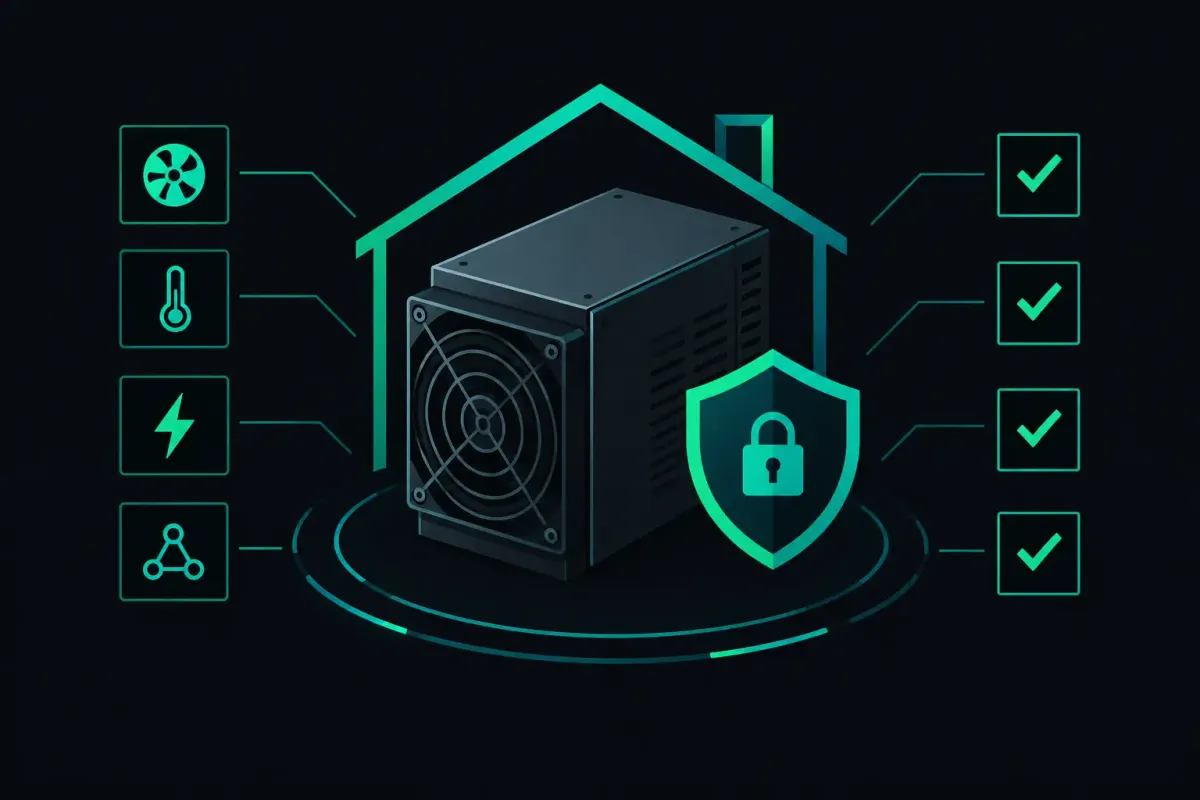
A home ASIC is not just a hot, loud appliance. It is a networked computer that can be pointed at a payout address. That makes a home ASIC security checklist worth doing before you leave a miner running overnight.
The goal is not to build a bunker around a Bitaxe or a full-size ASIC. The goal is to remove the easy ways someone can change its settings, steal its work, interrupt its connection, or turn a small failure into damaged hardware. Start with the checks that protect your payout address and your local network. Then handle physical safety and recovery.
1. Confirm where rewards would go
Read the configured mining username character by character. For a solo setup, that username often contains the payout address. One changed character can send a solved block's reward somewhere else.
Copy the address from your wallet's receive screen. Compare the first characters, last characters, and the full string before saving the miner configuration. Do not copy an address from a chat message, a browser autofill field, or an image you did not create.
Use an address you control. Do not put an exchange deposit address into a miner. An exchange can change its deposit policy, close an account, or fail to credit an unusual transaction. A wallet address under your own keys gives you a destination you can inspect without asking a third party.
Never enter a wallet seed phrase into a miner, mining dashboard, firmware page, or pool form. A payout address is public information. A seed phrase is control of the money.
2. Change the miner's default password
Default credentials are public because they have to be. If the miner's web interface is reachable from another device on your network, a default password is an invitation.
Set a unique, long password for the miner's administration page. Store it in a password manager. Do not reuse your router password, email password, or wallet passphrase. If the firmware supports a separate read-only account, use it for routine monitoring and reserve the administrator account for configuration changes.
Some small open-source miners expose a simple local web page with fewer account controls than a full-size ASIC. The same rule applies. If it has a password setting, set it. If it does not, treat network isolation as mandatory rather than optional.
3. Put mining hardware on its own network
A separate VLAN or guest network limits what a compromised miner can reach. It should not have direct access to laptops, network-attached storage, smart-home controllers, or a machine that holds wallet files.
Give the mining network internet access if the rig needs it. Block unsolicited connections from the internet. Block access from the mining network to your primary home network unless you have a specific reason to allow it.
A basic home router may not support VLANs. In that case, a separate router for miners is a practical fallback. It is less elegant, but separation still matters. Keep the management device on the same isolated network only while you configure the miner, then disconnect it if you do not need persistent access.
4. Do not expose the miner to the public internet
Do not forward ports from your router to an ASIC's web interface, SSH service, or API. Disable Universal Plug and Play if it can create automatic port forwards on the mining network.
Remote management is convenient until it becomes someone else's remote management. If you need access away from home, use a VPN that terminates on equipment you control. Limit VPN access to the devices and ports you actually need.
Check your router's port-forwarding page after installing new hardware. A miner should make outbound connections to its configured endpoint. It usually does not need strangers on the internet to initiate a connection back.
5. Use firmware from a source you can identify
Firmware is the miner's operating system. A modified image can change pool settings, capture passwords, or install a persistent backdoor before the dashboard loads.
Download firmware only from the hardware project's official release channel or the manufacturer you intended to trust. Verify a published checksum or signature when one is available. A checksum confirms that your downloaded file matches the file the publisher named. It does not prove that the publisher is trustworthy. Those are separate questions.
Keep a local note with the firmware version, download date, and file hash. This makes rollback possible when an update causes instability. Do not update because a file has an exciting name. Update to fix a known issue, gain a needed feature, or move from an unmaintained release.
6. Lock the pool configuration after testing it
A pool URL, port, worker name, and payout address are security settings. Record the expected values somewhere outside the miner. A plain text note stored with your home network documentation is enough if it does not contain a seed phrase or password.
After the miner has run for a few hours, check that its configured endpoint and payout address still match your record. Check again after firmware updates, power failures, or a reset. A miner that silently falls back to a default configuration can mine somewhere you did not choose.
NexusPool accepts Stratum V1 and native encrypted Stratum V2 on the same port. Most home hardware still uses Stratum V1. Stratum V1 can expose mining credentials to devices that can observe the local connection, so local network isolation still matters. Encrypted Stratum V2 reduces what a network observer can read or alter, but it does not fix a miner with compromised firmware or a stolen administrator password.
7. Treat your router's DNS settings as part of mining security
Your miner may use a hostname rather than a fixed IP address for its pool endpoint. DNS decides where that hostname resolves. A hostile router setting or local DNS service can send a miner toward an endpoint you did not intend.
Use DNS servers you chose and can identify. Review router DNS settings after any router reset or ISP equipment change. If your mining setup supports a pinned authority key for encrypted Stratum V2, verify the key fingerprint from a source you trust before accepting it. Encryption without endpoint authentication can still leave room for the wrong endpoint.
8. Keep management access deliberate
Disable services you do not use. If you never use SSH, Telnet, an API listener, or cloud management, turn them off where the firmware allows it. Telnet should not be enabled on a home miner. It sends credentials in plaintext.
Use a fixed DHCP reservation rather than an arbitrary static address when your router supports it. The miner keeps a predictable local address, while the router remains the source of truth. Label the reservation with the device model and physical location.
9. Watch for configuration drift
Security failures are often boring. A router reboot changes a rule. A firmware reset restores a default pool. A family member moves a power strip. The miner keeps hashing, so nobody notices the changed condition.
Set a simple recurring check. Once a month, confirm the payout address, endpoint, firmware version, router isolation rule, and power connections. Review rejected-share reasons if your miner or pool shows them. Rejections have several causes, including stale jobs and invalid work. They are a signal to investigate, not proof that someone attacked you.
10. Protect the electrical and thermal path
A security checklist for ASICs includes physical failure because a miner cannot protect its payout address if it is offline, damaged, or creating a fire risk. Use wiring, outlets, breakers, and power distribution rated for the sustained load. Do not treat a cheap extension cord as permanent infrastructure.
Keep intake and exhaust paths clear. Dust changes airflow. Heat accumulates in closets and cabinets. Check the power supply, plugs, and cables for discoloration, looseness, or unusual heat during operation.
Small ESP32-class miners draw far less power than standard ASICs, but they still need clean power and reasonable cooling. The limit depends on the board, its voltage settings, and its clock speed. Read the hardware documentation for those values rather than assuming every USB supply is suitable.
11. Secure the device itself
Put the miner where visitors, children, and pets cannot pull cables, press reset buttons, or touch hot surfaces. A locked cabinet is useful only if it has enough ventilation. Physical security is always a trade-off with airflow and access for maintenance.
Label each miner and its power supply. If you operate more than one device, record which serial number, local IP address, and payout configuration belong together. This prevents the common mistake of changing settings on one machine while thinking it is another.
12. Keep a recovery record that does not hold your keys
Write down the steps needed to rebuild the miner: firmware version, expected network name, local IP reservation, pool endpoint, worker format, and payout address. Keep passwords in a password manager. Keep seed phrases offline and separate from that record.
Test recovery when the miner is healthy. Export configuration if the firmware supports it. Know how to factory-reset the device and how to verify its settings afterward. A recovery plan that has never been used is only a guess.
Your miner does not need blind trust from you, and neither does the infrastructure it connects to. Check the address. Check the endpoint. Check the settings after anything changes.
Trust nothing. Verify your payout address.