Payout Address
How to Configure Payout Address for Solo Mining
Learn how to configure payout address details for solo Bitcoin mining, verify the destination before a find, and avoid an unrecoverable block reward error.
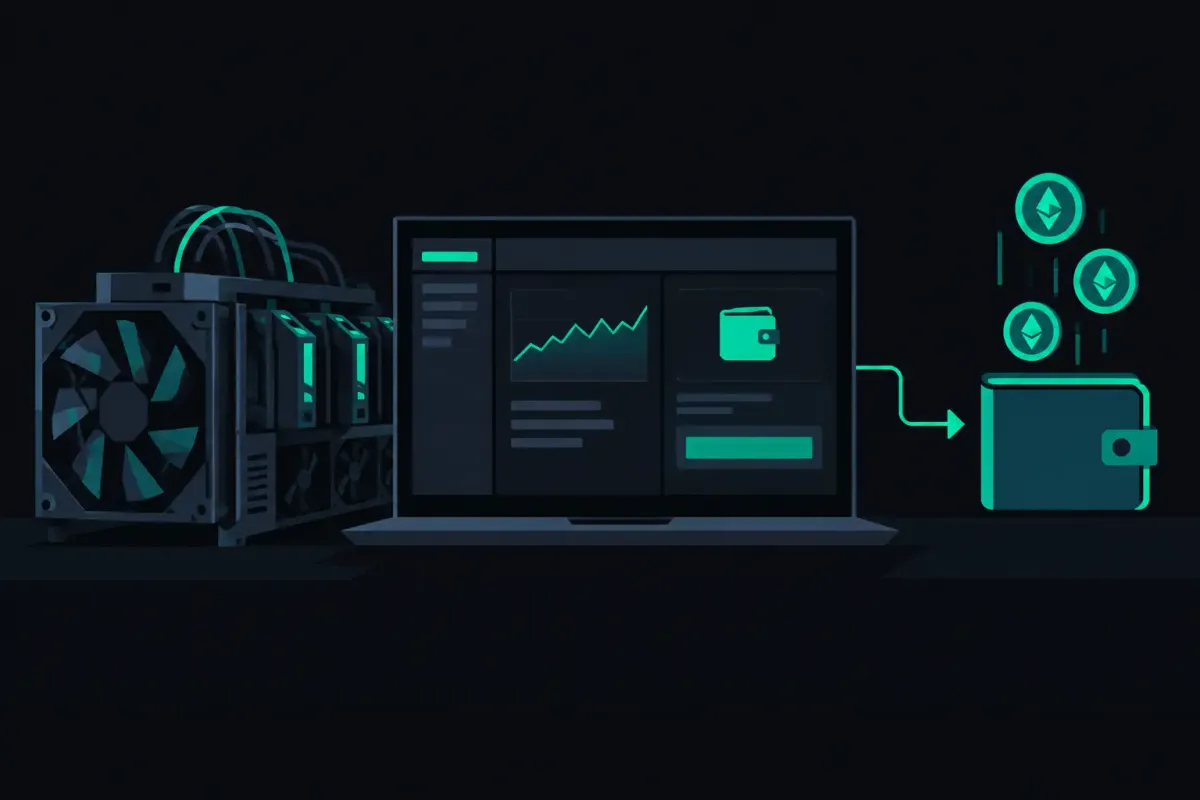
A solo-mining payout address is not a preference you can fix after a win. It is the Bitcoin destination written into the block your rig may find. Learn how to configure payout address settings before you connect, because a mistyped address can turn a rare event into an unrecoverable mistake.
For Bitcoin miners, the practical rule is simple: use a Bitcoin mainnet address from a wallet you control. Copy it. Paste it into the miner. Then check every character before the rig starts hashing. Do not type it by hand unless you enjoy checking a long string twice.
What a payout address does in solo mining
A pool payout system usually keeps an internal balance, records work, and sends a payment later. Solo mining works differently when the pool builds a candidate block with your address.
If your rig finds a valid Bitcoin block, the block reward goes to the payout address in that block. That reward includes the block subsidy and the transaction fees. The pool does not hold a balance for you to request later.
This is why the address belongs in the connection configuration. Your miner identifies itself to the pool with that address. The pool uses it when it prepares work for your rig.
At NexusPool (nexuspool.io), Bitcoin miners connect to solo.nexuspool.io:3350 with a Bitcoin address and no account. The pool's Payout Preflight shows the payout built for your address on the current block before your rig finds anything. That is the check to run before you leave a miner unattended.
Network difficulty sets your odds of finding a block. It is the same at every pool. A correct payout address does not change those odds. It makes sure that, if your hash solves a block, the reward has the destination you intended.
How to configure payout address fields
Your miner's web interface may call the relevant setting a username, worker, wallet, account, or mining address. For solo Bitcoin mining, that field normally takes your Bitcoin payout address.
First, open the wallet that will receive the block reward. Generate a new Bitcoin receive address if that is how you organize your wallet. Confirm that it is a mainnet Bitcoin address, not an address for Bitcoin Cash, Litecoin, Dogecoin, or a test network.
Next, copy the address directly from the wallet. Paste it into the miner's username or wallet field. Set the pool URL to solo.nexuspool.io:3350. Use the password field only if your firmware requires one. Many miners accept a simple placeholder such as x, but follow the input requirements shown by your specific firmware.
Some firmware separates the wallet address and worker name. Other firmware places both in one username field. A worker label helps you recognize a device in local logs or pool status displays, but it must not replace the payout address. If your firmware documentation shows an address-plus-worker format, follow that format exactly.
Save the settings. Then apply them or restart the mining process, depending on the device. A saved form is not always an active configuration. Check the miner log after it reconnects and confirm that it received new work.
Start with the connection path
For a typical Stratum V1 home miner, the configuration has three parts:
- Pool URL:
solo.nexuspool.io:3350 - Username or wallet: your Bitcoin mainnet payout address
- Password: the value required by your miner firmware, if any
Do not put a web URL in the pool URL field. Do not include https://. Do not add spaces before or after the address. A copied address can pick up an invisible space when it passes through a note app or spreadsheet.
If your miner supports encrypted Stratum V2, it can use the same Bitcoin port. Most home-mining devices still use Stratum V1, so the plain connection path above is the useful place to begin.
Choose an address you control
A self-custody wallet address gives you the clearest path from found block to spendable coins. You hold the keys. You can inspect the receiving transaction yourself. You are not relying on an exchange or hosted service to recognize a coinbase payment correctly.
A Bitcoin block reward cannot be spent immediately. Bitcoin requires coinbase outputs to mature for 100 blocks. That is a consensus rule, not a pool delay. Your wallet may show the transaction before it becomes spendable, depending on how it handles immature coinbase funds.
Avoid using an exchange deposit address for solo mining unless that service explicitly supports direct coinbase deposits and the required maturity period. A deposit system may use address rotation, minimum deposit rules, or automated screening that does not fit a block reward. If the service changes its rules, the pool cannot redirect a reward already written into a block.
Also avoid an address from a wallet backup you have not tested. A receiving address is only useful if you can later recover the keys. Verify your recovery phrase or wallet backup using the wallet maker's documented process before a high-value event depends on it.
Check the address in more than one place
A checksum helps Bitcoin software reject many invalid addresses. It does not protect you from pasting somebody else's valid address. The useful defense is comparison.
Compare the first several characters and the last several characters in the miner field against the address shown by your wallet. Then compare the full address in a second place. That might be the miner's status page, its startup log, or a payout preview.
Do not rely only on your clipboard. Clipboard-replacing malware exists because cryptocurrency addresses are valuable targets. If an address changes between copy and paste, it will still look like an address. Compare it.
Payout Preflight is especially useful here. Enter or configure the address, then inspect the destination shown for the current candidate block. The test is concrete: does the displayed payout destination match the receive address in your wallet?
What happens when you change the address
Changing a payout address affects work your miner receives after the new setting takes effect. It cannot rewrite a candidate block that was already found. It may not affect a job already sitting in the miner's queue either.
Apply the change, reconnect the miner, and wait for a fresh job before treating the new address as active. A restart is usually the clearest method for home miners. For a small farm, change one worker first, confirm its connection and address, then roll the setting through the fleet.
Do not change an address casually while troubleshooting. If a miner has intermittent network trouble, leave the payout destination stable while you isolate the connection issue. Otherwise, you create two variables and make the logs harder to read.
If you operate several rigs, give each one a distinct worker name where the firmware supports it. Keep a local record of the device name, physical location, and payout address. The record is for you. The Bitcoin address remains the critical field.
Common payout address errors
The most damaging error is using the wrong chain. A Litecoin address does not receive a Bitcoin block reward. A Bitcoin Cash address is not a Bitcoin address. Check the chain before you check anything else.
The next error is copying an address from a watch-only wallet or public explorer without confirming you control the associated keys. A watch-only wallet can display an address correctly. It cannot spend from that address without the signing keys.
Another mistake is assuming a pool account controls the payout. There is no account setting to repair when the address is part of the mining connection. The address your rig submits with is the address you need to verify.
Finally, do not confuse a lower expected wait with a guaranteed result. Solo mining is a lottery. An average is not a schedule. Lower network difficulty means a shorter expected wait, not more value and not a promise that a particular rig will find a block.
Before you let a miner run for weeks, read its active pool URL, compare its active payout address to your wallet, and check the payout built for that address. Trust nothing. Verify your payout destination.