Pool Settings
How to Troubleshoot Bitcoin Miner Disconnects
Learn how to troubleshoot Bitcoin miner disconnects by checking power, Wi-Fi, router timeouts, DNS, and pool settings before replacing your miner hardware.
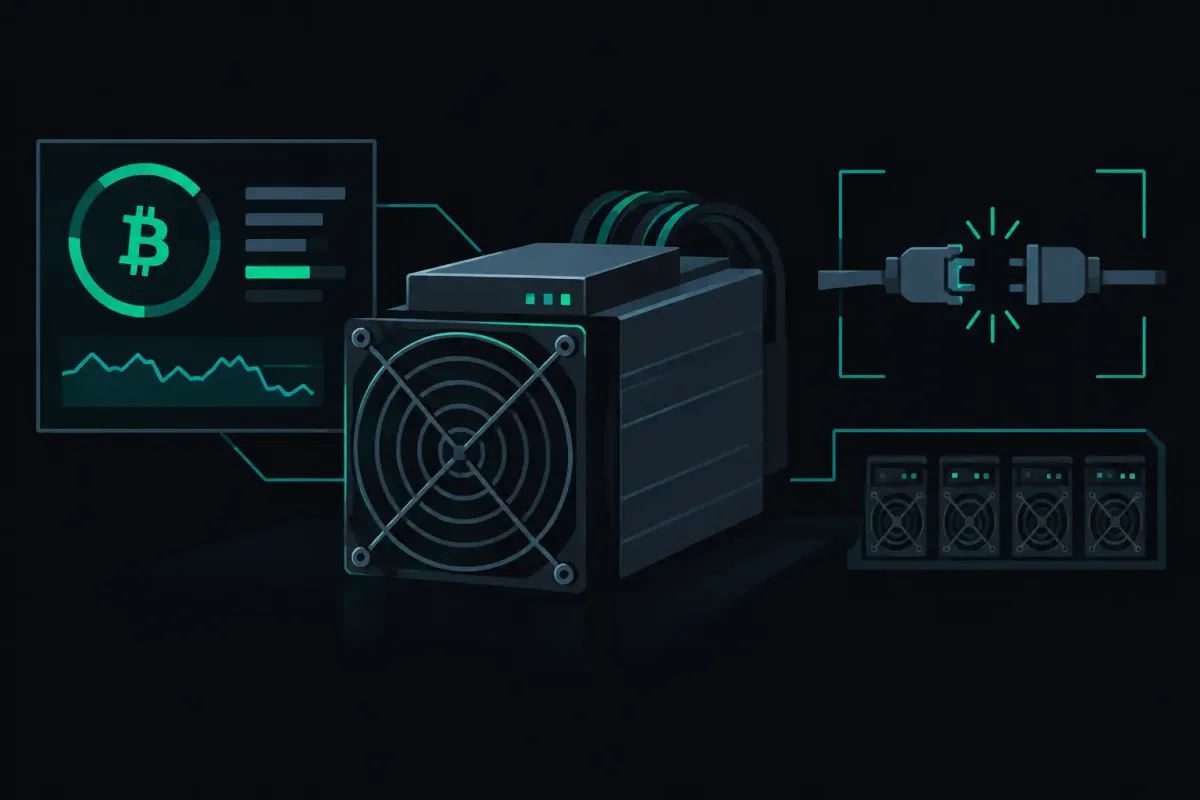
A miner can look disconnected while it is still hashing. Its screen may lose the pool dashboard first. Or the pool may stop receiving shares while the fan keeps spinning. To troubleshoot Bitcoin miner disconnects, start at the connection path: power, local network, DNS, router, then the pool endpoint. Do not replace hardware because one status label turned red.
A disconnect does not change the odds of a valid hash while the rig is working. Network difficulty sets the odds at every pool. But a rig that cannot receive new work will eventually hash an old job, and a rig that cannot submit a share cannot report what it found. Solo mining is a lottery. An average wait is not a schedule.
Troubleshoot Bitcoin Miner Disconnects in Order
Work from the miner outward. This prevents a common mistake: changing pool settings when the fault is a loose power supply or an overloaded home router.
First, look at the miner itself. Check whether its uptime reset at the same time as the disconnect. A reset points toward power, heat protection, firmware failure, or a watchdog restart. A stable uptime with a lost pool connection points more often to the network path.
Check the power supply and its connector without touching exposed terminals. A small open-source miner can brown out when its supply is undersized or its cable is damaged. An ASIC can restart after a power event that other devices in the room barely notice. If the miner disappears at the same time as lights flicker, solve power before adjusting network settings.
Then check the local address. Find the miner in your router's client list and confirm that it still has an IP address. If its address changes after a reboot, a bookmarked management page may lead you to the wrong device or nowhere at all. A DHCP reservation gives the miner a predictable local address. It does not fix an internet outage, but it removes one source of confusion.
Wi-Fi deserves suspicion when a miner is far from the access point or shares airspace with cameras, speakers, and many phones. Mining shares are small, but the connection needs to stay open. A weak signal can drop a session repeatedly even when a casual speed test looks fine. Move the miner closer for a test, use Ethernet if the device supports it, or add a properly placed access point. Do one change at a time.
Check the Network Before the Pool
A reboot is useful when it tests a theory. It is less useful when it erases the evidence.
Open the miner's log before restarting it. Look for the first error after its last successful share. The wording varies by firmware, but the distinction matters. “Connection refused” means the destination answered and declined the connection. “Host not found” usually points to DNS. “Network unreachable” points to the miner, its gateway, or the local network. A timeout means packets may be lost or a device between the miner and server is dropping the session.
Compare the miner with another device on the same network. If a laptop also cannot reach ordinary internet services, the pool is not the first thing to investigate. Check the modem, router, and ISP connection. If only the miner fails, check its gateway, subnet mask, and DNS settings against a working device.
Router features can also cause short, repeating disconnects. Aggressive connection tracking, scheduled reboots, unstable mesh handoffs, and DNS filtering can interrupt a long-lived mining connection. This is especially common on consumer routers that were built around web browsing rather than devices that maintain a session for days.
If the disconnect happens at a regular interval, write down the interval. A failure every few minutes often suggests Wi-Fi roaming, a DHCP lease issue, or a router policy. A failure only when the house is busy may suggest radio congestion or a loaded router. An irregular failure after heat builds up points back toward the miner or its power supply.
Do not confuse latency with a broken connection. A miner far from a server may take longer to receive work and report shares. Distance does not change its chance of finding a Bitcoin block. Packet loss and repeated session drops are the problem to solve.
Verify the Miner’s Pool Settings
A correct endpoint entered incorrectly is still a failed connection. Check the pool address, port, protocol selection, and payout address character by character. Copying a Bitcoin address is safer than typing it. A single wrong character sends the miner somewhere else or causes the pool to reject the login.
For Bitcoin on NexusPool (nexuspool.io), the connection address is solo.nexuspool.io:3350. The same port accepts Stratum V1 and encrypted Stratum V2. The miner's firmware decides which protocol it can speak. Most home miners still use Stratum V1, so do not select Stratum V2 unless the firmware documents support for it.
A valid Bitcoin payout address is the identity used for the connection. There is no account login to recover. If you recently changed the address, confirm that the saved configuration actually contains the new value. Some firmware shows edited fields before it has written them to storage. Save, let the miner reconnect, then reload the page and inspect the stored setting.
Avoid adding extra characters to the address field unless your firmware and pool configuration specifically require a worker label. A worker name can help you identify one rig among several. It cannot repair a network problem. When testing a disconnect, keep the configuration simple enough that you can recognize every field.
Read the Difference Between Rejected Shares and Disconnects
A rejected share is not automatically a disconnect. The miner connected, received work, and submitted something the pool did not count. The reason matters.
Stale shares usually arrive after the network has moved to a new block or after the miner has spent too long on an old job. A few can occur during normal operation. A sudden cluster can indicate latency, packet loss, or a miner that was briefly disconnected and kept hashing the previous assignment.
Low-difficulty or malformed-share messages are different. They can point to firmware behavior, corrupted data, an incorrect clock, or unstable overclock settings. Start by returning the miner to known-stable settings. Extra hash rate is not useful if the device becomes unreliable or produces errors that prevent valid work from reaching the pool.
For a small farm, compare logs across rigs. If several miners fail at the same minute, investigate the switch, router, DNS resolver, or upstream connection. If one miner fails alone, swap only one element at a time: its Ethernet cable, switch port, power supply, or physical location. This method is slower than changing everything at once. It produces an answer.
When the Miner Comes Back
After a reconnect, confirm more than the green status icon. Watch for new jobs and accepted shares over a period that makes sense for the rig's hash rate. A low-hashrate home miner may not submit often. That is normal. It does not prove a fault by itself.
Check whether the reconnect loop has stopped. If the miner connects, submits once, and drops again, leave the log open until the next failure. The final line before a disconnect is more useful than a screenshot taken after the firmware has retried ten times.
If the failure began after a firmware update, test the prior known-good configuration if the vendor provides a safe rollback path. If it began after a router change, test the miner through a direct wired connection before blaming the rig. Keep notes on the time, error text, local IP address, and each change. A short record turns an intermittent fault into something you can isolate.
A miner should be boring when its connection is healthy. It receives work, submits shares, and stays connected without needing daily attention. Start at the wire and work outward. Then point the rig at solo.nexuspool.io:3350 and verify the next connection from the miner's own log.