Payout Address
How to Connect ASIC With a Payout Address
Learn how to connect ASIC with payout address on Bitcoin solo mining. Set the endpoint, use your own address, and check where a found block pays directly.
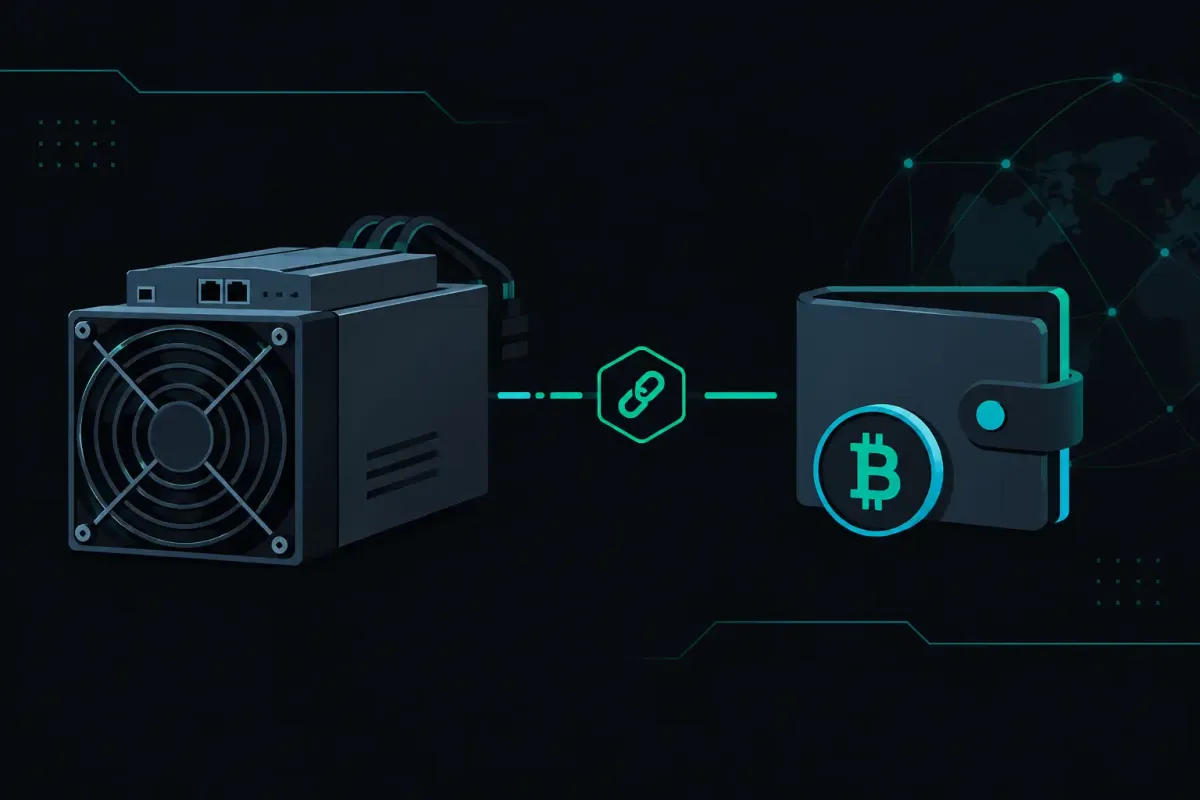
An ASIC does not need an account to mine Bitcoin solo. It needs a Stratum address, a valid Bitcoin payout address, and a network connection. To connect an ASIC with a payout address, put your own Bitcoin address in the miner's worker or username field before you save the pool settings.
That address is not an account balance. It is the destination written into the coinbase transaction if your rig finds a valid block. The distinction matters. A custodial pool receives a reward before it sends a payout. Here, the block can pay your address directly.
What You Need Before Connecting an ASIC
Start with a Bitcoin address you control. Confirm that you can receive Bitcoin at it and that you have backed up the wallet needed to spend from it. A typo does not create a support ticket that can restore a block reward. Bitcoin transactions do not have an undo button.
You also need your ASIC on a stable local network and access to its web interface. Most S19 and S21 class ASICs expose mining settings under a menu called Miner Configuration, Pool, Mining Pools, or something close to it. The labels change by firmware. The three fields usually do not: pool URL, worker, and password.
For Bitcoin, use this endpoint:
solo.nexuspool.io:3350
NexusPool (nexuspool.io) accepts a Bitcoin address without an account, a sign-up gate, or KYC. The endpoint directs a miner toward a nearby healthy pool region. It does not change the odds of finding a block. Network difficulty sets those odds for every pool.
Connect Your ASIC to the Payout Address
Enter the pool URL
In the pool URL field, enter the endpoint in the format your firmware expects. Many Stratum V1 ASIC interfaces accept:
stratum+tcp://solo.nexuspool.io:3350
Some interfaces add the protocol prefix themselves. In that case, enter only solo.nexuspool.io:3350. Do not use the website address as a mining endpoint. nexuspool.io:3350 is not the address your ASIC should use.
If your firmware offers an encrypted Stratum V2 connection, the same port supports it. Most home mining hardware still uses Stratum V1, so select the connection mode your firmware actually supports. Do not force a protocol option just because it appears newer.
Put your Bitcoin address in the worker field
Enter your Bitcoin payout address in the worker, username, or account field. Use the complete address. Do not put an exchange deposit memo, a wallet nickname, or an email address in this field.
Some firmware lets you add a worker label after the address. That label can help identify a particular machine in local records, but the Bitcoin address remains the part that determines where a found block pays. Check the field after pasting. A single missing character makes it a different input.
If you run several ASICs, use the same payout address on each one when you want every possible found block to pay the same wallet. Use separate addresses when you want a clean boundary between machines, sites, or wallet policies. Neither choice changes block-finding odds.
Fill the password field only if the firmware requires it
Many ASIC interfaces require a password field even when there is no pool account password. If the field cannot be empty, enter x. The password is not a withdrawal credential. Your payout address, written into a found block, is what matters for payment.
Save the configuration. The ASIC may restart its mining process. Give it a few minutes to request work and submit shares.
Check the Connection Before You Leave It Alone
A green status light is useful, but it is not enough. Look at the miner's status page and confirm that it shows an active pool connection, accepted shares, and a hashrate near the range you expect from that machine.
Rejected shares need a reason. A small number can occur during normal work changes or while a machine is starting. A continuing stream of rejects points to a configuration, firmware, clock, thermal, or network problem. Check the rejected-share reason in the miner interface before changing several settings at once.
Start with the simple checks. Confirm the endpoint spelling. Confirm the port is 3350. Confirm that the worker field contains the Bitcoin address you intended to use. Then check DNS and outbound network rules on the local router. Some managed networks block unfamiliar ports or isolate devices from the internet.
If your ASIC goes quiet briefly, a connection can resume without making you rebuild the configuration. The pool holds a rig's difficulty for a few minutes when it stops submitting. That behavior avoids an unnecessary difficulty reset after a short interruption. It does not preserve old work forever. When Bitcoin has a new block, miners need new work built on that block.
Check Where a Found Block Would Pay
Before mining, use Payout Preflight with your Bitcoin address. It shows the payout built for that address on the current block. You can inspect the destination before your rig finds anything.
The scope matters. Payout Preflight reflects the current block template. Bitcoin transactions change, fees change, and a new network block replaces the current job. It is a check of where the reward goes, not a promise that a future block will have the same transaction fees.
If your rig finds a valid block through the pool, the block reward consists of the subsidy and the transaction fees in that block. The reward goes to your address in the block, with a 0% pool fee. There is no pool balance to request and no payout threshold to wait for.
You can verify the result independently after a find. Inspect the confirmed block's coinbase transaction. The output should show the Bitcoin address you configured. That on-chain record is stronger than a dashboard message because it is the transaction that pays.
Why the Connection Path Matters in Solo Mining
Solo mining is a lottery. An average expected wait is not a schedule. A lower network difficulty means a shorter expected wait, not more value. Your ASIC can run correctly for a long time without finding a block, and it can also find one sooner than an average would suggest.
The pool's job is not to add luck. Its job is to carry work from your ASIC and carry a valid found block toward the Bitcoin network without losing the event on the way. That path includes a new job after a network block, share parsing, and block submission.
On Bitcoin, the first job prepared for a new block can be ready before a pool node finishes validating that block. That first job carries no transactions. Once validation completes, normal transaction-bearing work follows. This reduces time spent hashing on the old block, but it does not alter the probability attached to your hashrate.
A found block through Los Angeles, Chicago, or Frankfurt is written to disk before submission to Bitcoin nodes in those three cities. Each submission is retried for up to five minutes. Singapore submits a found block to its own Bitcoin node. Those are delivery mechanics, not a guarantee that every block becomes the winning network block. Bitcoin nodes and the network still decide whether a submitted block is valid and accepted.
Common Setup Mistakes
The most common mistake is using a wallet address for the wrong chain. A Bitcoin ASIC needs a Bitcoin payout address. Do not reuse a Litecoin, Dogecoin, or Bitcoin Cash address in this configuration.
The next mistake is treating the worker field as a display name. Put the payout address first. If your firmware supports a label, use it only as an addition allowed by that firmware's format.
Finally, do not mistake low hashrate for a payout problem. A machine that overheats, loses a fan, has a bad power supply, or receives unstable network service may submit fewer shares. Fix the machine condition first. The payout address only decides where a found block goes.
Before you let the ASIC run unattended, check the exact Bitcoin address in its worker field and check that same address in Payout Preflight. Trust nothing. Verify where your found block would pay.