esp32
ESP32 Bitcoin Miner Pool Setup You Can Verify
Build an ESP32 Bitcoin miner pool setup with a valid payout address, correct Stratum endpoint, measured latency, and checks that prove shares arrive intact.
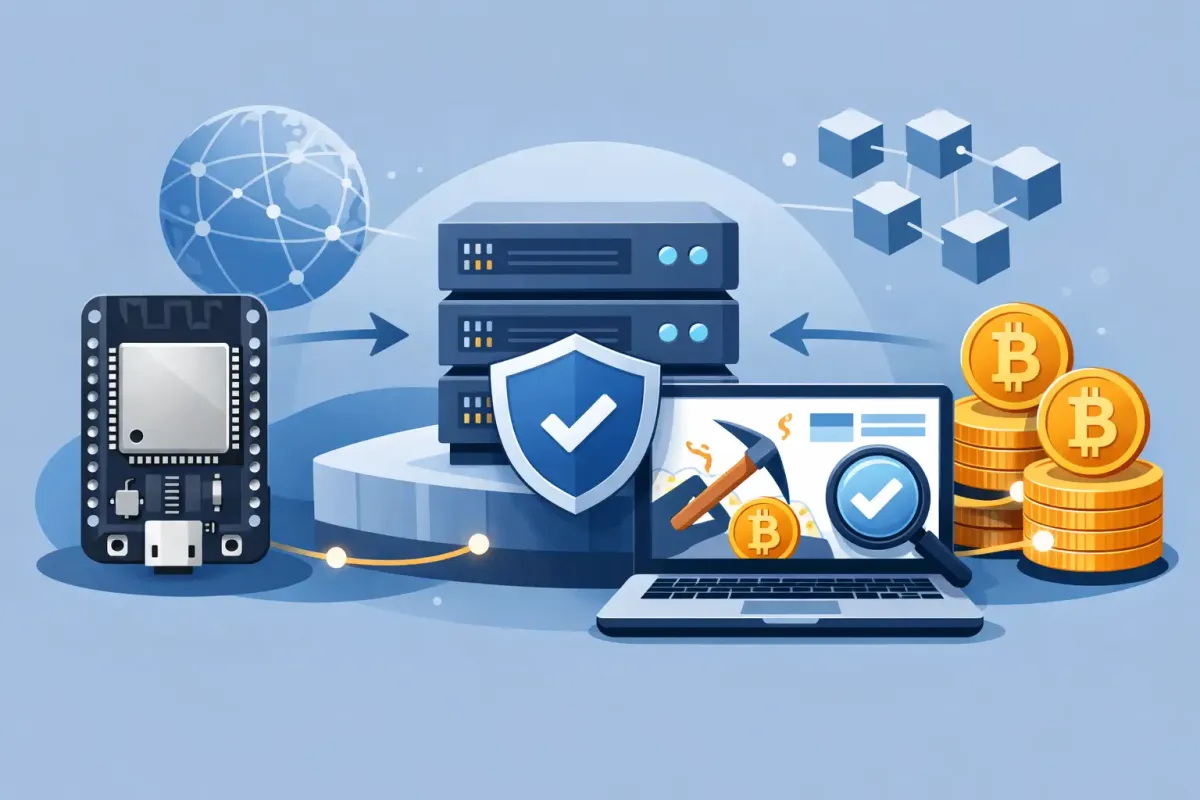
An ESP32 Bitcoin miner pool setup starts with one distinction that saves a lot of confusion: an ESP32 is usually the controller, not the hashing engine. On a Bitaxe, NerdAxe, or NerdQAxe, the ESP32 runs the web interface, manages Wi-Fi, and speaks Stratum to the pool while an ASIC performs the hashes. A standalone ESP32 lottery miner can submit hashes too, but its chance of finding a Bitcoin block is so small that the screen is mostly a lesson in probability.
That does not make the setup trivial. Your miner needs the right pool endpoint, a payout address you control, stable network access, and enough visibility to tell the difference between a working connection and a device that merely says it is connected. The pool should receive your shares. Your device should show accepted work. If a block is ever found, the payment destination should already be known and checked.
What an ESP32 Bitcoin Miner Pool Setup Actually Does
Your miner requests a block template through Stratum. The pool supplies work based on the current Bitcoin chain tip. The device hashes candidate headers and sends back shares that meet the assigned share target. Accepted shares are evidence that the device is receiving valid work and that its results reached the pool.
In solo or lottery mining, accepted shares do not accumulate into a proportional payout. They measure useful work and keep the connection accountable. A block is the event that matters. If your hardware finds one, its coinbase payout must pay to the Bitcoin address you configured. That is why the address field deserves more care than the password field.
Do not treat a pool dashboard as the only source of truth. It can be useful operational telemetry, but your miner log, its accepted-share counter, the configured address, and eventually the on-chain coinbase transaction are separate things you can inspect.
Start With the Hardware and Firmware
Update the miner only from the firmware project or vendor you trust. This is not about chasing every release. It is about knowing which firmware is running, what Stratum version it supports, and whether its configuration export can be saved before you change anything.
For Bitaxe-class hardware, connect the device to Wi-Fi and open its local web interface. Before entering pool settings, record the current hashrate, chip frequency, voltage settings, temperature, fan behavior, and firmware version. These values give you a baseline. If hashrate falls after a pool change, the endpoint probably is not the cause, but you now have enough information to prove it.
A miner that overheats, loses Wi-Fi, or has an unstable power supply will create pool symptoms that look like credential problems. Fix local faults first. A small USB power supply that works for configuration may not remain stable under sustained ASIC load. Use the power supply specified for your device and keep an eye on the board temperature.
Choose a Bitcoin address you control
Generate or select a Bitcoin address from a wallet where you control the keys. Copy it carefully. Do not use an exchange deposit address. Exchanges can change deposit instructions, apply internal controls, or fail to credit unusual mining payments. None of that belongs between a solved block and its owner.
Use a current mainnet Bitcoin address. Most modern wallets produce SegWit or Taproot addresses. The exact address types accepted can vary with pool payout construction, so use the pool's configuration requirements rather than guessing from a screenshot posted months ago.
Check the first and last characters after pasting. Then check the complete string. Clipboard replacement malware exists because Bitcoin addresses are irreversible. A one-character error does not produce a support ticket. It produces a payment to a different destination.
Configure the Pool Connection
For Bitcoin mining at NexusPool, use nexuspool.io on port 3350 if you want a fixed endpoint in Los Angeles. Use pool.nexuspool.io on port 3350 if you want the address geo-steered toward the closer healthy North American point of presence. The endpoint is reachable without an account or KYC.
Enter the hostname, not an IP address. Hostnames allow infrastructure maintenance and routing changes without requiring every miner to be reconfigured. Do not add http:// or https://. Stratum is not a web page.
Most ESP32 mining firmware exposes fields resembling pool URL, port, username, and password. The username is commonly the payout Bitcoin address in a solo-pool setup. The password is often used as an optional worker label or can be a simple placeholder, depending on firmware and pool rules. Follow the field instructions shown by the pool and the firmware. Do not assume that a worker-name convention from another pool applies here.
Save the configuration and reboot the miner. Watch the log or status page during startup. A useful sequence looks like this: Wi-Fi connects, DNS resolves the hostname, the Stratum socket opens, the miner receives a job, then accepted shares begin appearing. A connection that stays open but never receives work is not the same as a miner that is hashing and submitting successfully.
Stratum V1, Stratum V2, and the ESP32
Most ESP32-class miners use Stratum V1 today. That is normal. Configure the protocol your firmware actually supports rather than trying to force a V2 setting into a V1-only build.
Some firmware, including Bitaxe AxeOS and BraiinsOS+, can speak Stratum V2 natively. Stratum V2 uses encrypted transport and gives the miner an authority key it can pin. Key pinning matters because encryption without authenticated identity can still leave room for the wrong endpoint to present itself.
NexusPool accepts Stratum V1 and native encrypted Stratum V2 through the same Bitcoin port, so compatible firmware does not need a separate translator just to reach the pool. That removes one local process and one more place for a connection to fail. It does not turn a V1-only miner into a V2 miner. Firmware capability still decides the protocol.
Verify That Your Work Is Arriving
Give the miner time to collect enough shares for its hashrate and assigned difficulty. A low-hashrate device may have long gaps between shares. Do not declare failure because no share appeared in the first minute.
Look for accepted shares rather than only a displayed hashrate. The local hashrate is an estimate based on work attempted. Accepted shares confirm that the pool validated work from your connection. Rejected shares need context. A rare stale share can happen when a new block arrives and the old job becomes obsolete. Repeated rejects point to a configuration, clock, network, or firmware problem.
Compare the worker identifier shown locally with the one reported by the pool. If the pool lets you inspect a rig status, make sure it corresponds to your intended payout address and not an old copied setting. Rename the worker if your firmware supports it. A meaningful label such as office-bitaxe is easier to audit than a default string nobody recognizes later.
Latency affects how quickly a new job reaches the miner and how quickly a submitted share returns. Test it from the same network as the miner when possible. A lower ping does not guarantee higher luck, and it does not change your hash rate. It can reduce the time spent on stale work after a template changes.
Common Failures Have Boring Causes
If DNS fails, confirm that the device has a working gateway and DNS server. If the socket cannot connect, verify the hostname and port exactly. If authorization fails, recheck the payout address and any required username format. If the miner repeatedly disconnects, look for weak Wi-Fi signal, router power-saving behavior, or a power issue at the miner.
If shares are rejected, do not immediately lower frequency or blame the pool. First capture the rejection reason from the device log. “Stale” and “low difficulty” mean different things. A stale result arrived after the job expired. A low-difficulty result suggests the submitted nonce did not meet the assigned target, which can point to firmware or hardware instability.
Avoid configuration changes made all at once. Change one variable, save, reboot, and observe. This is slower for five minutes and faster for the next year. When something breaks, you will know what changed.
Treat the Payout Path as a Preflight Check
A direct-payment solo pool should make the payout destination part of the work path, not an internal balance you hope to withdraw later. Before you leave the miner unattended, verify the exact Bitcoin address in its configuration and any pool-side preflight display. The pool's job is infrastructure. It should not become the custodian of a block you solved.
No endpoint, protocol, or pool changes the odds. More valid hashes increase the portion of the search space your hardware examines, but Bitcoin block discovery remains high variance. A home miner can run for years without finding a block. That is not evidence that its shares disappeared. It is the arithmetic of a lottery with an enormous number of tickets.
Set it up carefully, preserve your logs, and verify the path your work takes before you rely on it. Trust nothing. Verify your submitted work.