Home Miner
Home Miner Network Hardening That Holds Up
Practical home miner network hardening for protecting your hash rate, payout address, and home LAN from exposed rigs, bad DNS, weak routers, and blind trust.
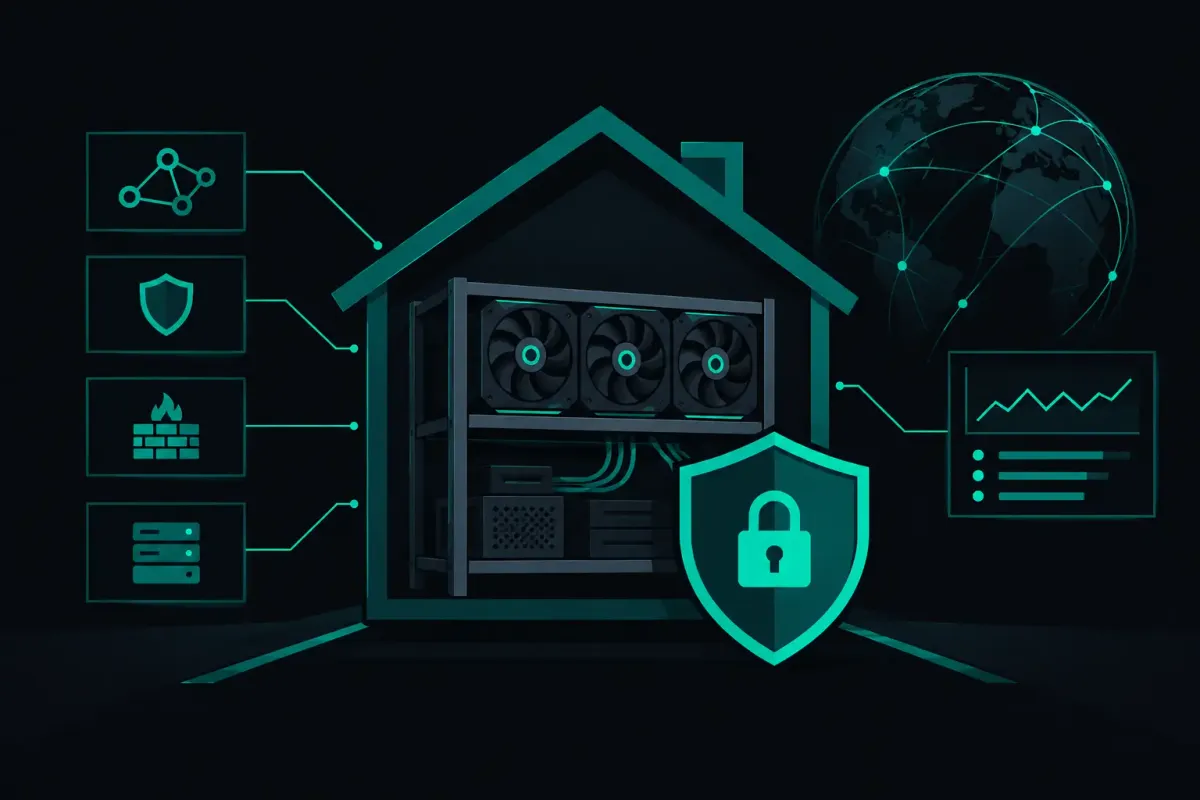
A home miner is a small computer that accepts remote instructions, exposes a web interface, and may run unattended for months. That makes home miner network hardening part of mining operations, not an optional weekend project. Your hashrate can be honest while the path carrying its work, your credentials, or your payout settings is not.
The goal is not to turn a Bitaxe or ASIC into a fortress. The goal is simpler. Limit who can reach it, make the miner reach only the services it needs, and leave yourself a way to detect when something changes.
Start With the Threat Model You Actually Have
Most home miners are not being targeted by a state actor. They are more likely to be found by an internet scan, left on a default password, exposed through a bad router rule, or pointed at the wrong pool by compromised DNS or a changed configuration. A curious guest on your Wi-Fi can also become a problem if the miner sits on the same flat network as every phone, camera, television, and laptop in the house.
That does not mean sophisticated attacks are irrelevant. It means the order of work matters. Closing an exposed management port is usually worth more than arguing about an obscure cryptographic edge case while the device still accepts its factory login.
A miner has two different kinds of traffic. Management traffic lets you change settings, update firmware, and view logs. Mining traffic submits shares and receives jobs. Treating both as equally open is a mistake. A rig may need outbound access to a Stratum endpoint. It does not need the public internet to browse to its management page.
Put Miners on Their Own Network
The cleanest arrangement is a dedicated VLAN or separate SSID for mining equipment. The miner network should be able to make the outbound connections required for mining, obtain time and DNS if you use them, and reach a management device only under rules you define. It should not have free access to the rest of your home network.
This reduces the blast radius in both directions. A compromised laptop cannot casually discover and reconfigure every rig. A miner with a vulnerable web service cannot freely probe your personal devices.
A consumer router that supports guest isolation can be an acceptable first step for one or two low-power miners. It is not equivalent to a properly configured VLAN, since guest implementations vary and some block the local management access you still need. If your router supports VLANs, use one. If it does not, a separate router or firewall for the miner segment is often easier to reason about than a collection of exceptions.
Do not create port forwards to a miner. Not for its web panel. Not for SSH. Not for a monitoring service. Remote administration belongs behind a VPN that you control, or through a local device you can reach through a VPN. Universal Plug and Play should also be disabled where possible. A miner does not need to request an inbound hole through your firewall.
Allow Outbound Traffic Deliberately
A good firewall policy is narrow enough to explain in one sentence: miners can initiate only the outbound traffic they need, and nothing on the internet can initiate a connection back.
At minimum, account for the pool connection, DNS resolution if you rely on a resolver outside your network, and NTP if the firmware needs time synchronization. Firmware updates may require temporary web access. Enable that when you are updating, then remove it again if your firewall can enforce a tighter policy.
Avoid using broad rules such as allowing every miner to reach every destination on every port. They work until they hide a mistake. Logging blocked outbound attempts is useful during setup. It shows what a device actually tries to contact and can reveal an unexpected dependency.
Secure the Management Plane First
Change factory passwords before connecting a new miner to the network it will live on. Use a unique password for each device or, at minimum, a unique password for the mining segment. Reusing the password from your router, exchange account, or email is a direct path from a cheap controller board to something that matters more.
If the firmware supports separate read-only and administrator accounts, use them. Your monitoring stack does not necessarily need permission to alter pool settings or flash firmware.
Disable services you do not use. Telnet should be off. SSH should be off unless you need it. A web panel should listen only on the local miner network. Some small miners have limited controls, so verify the result from another network rather than trusting a toggle in the interface.
Firmware updates are a trade-off. Old firmware can contain known defects. New firmware can introduce a regression, an unfamiliar default, or a build you did not verify. Download releases from the project or vendor's official distribution channel, validate hashes or signatures when supplied, and keep a local record of the version that was working. Do not flash a file passed around in a chat because someone says it increased their hashrate.
Back up your configuration before an update. Record the miner IP, worker name, pool endpoint, payout address, frequency settings, and any custom tuning. A recovery plan beats reconstructing a rig from memory after a failed flash.
Verify Where Your Work Is Going
Pool configuration is a security boundary. The address, worker string, and transport settings determine where shares travel and, depending on the pool design, how a solved block is paid. Check them after any firmware update, power event, or remote configuration change.
For solo mining, be precise about the claim being made. A pool cannot improve your probability of finding a block at a given hashrate. It can receive and account for your submitted work correctly or incorrectly. If you solve a block, payout construction matters. A non-custodial design that pays the block subsidy and transaction fees directly to your own Bitcoin address removes a pool wallet from that particular path. You should still verify the address configured on the miner and the payout behavior the pool states it uses.
Encrypted Stratum V2 changes the connection model in useful ways. Native V2 implementations can authenticate the pool through its authority key and encrypt the session using Noise. That helps protect against a local network observer or an active party trying to impersonate the server. Encryption is not a permission slip to stop checking configuration. You still need the correct authority key from a source you trust and a way to notice if it changes.
Most home rigs still speak Stratum V1. Some firmware, including Bitaxe AxeOS and BraiinsOS+, can speak V2 natively. If your miner uses V1, do not assume every connection is encrypted just because a pool also supports V2. Read the selected protocol and transport settings on the device itself.
DNS deserves the same skepticism. A hostname is convenient, but it is an instruction to ask someone else where to connect. Use a resolver you control where practical, or compare resolution from more than one source when troubleshooting. A fixed endpoint can reduce DNS dependency, but it also gives up the operational benefits of a pool's routing and failover design. There is no universal answer. Know which dependency you chose.
Monitor for Change, Not Just Temperature
Temperature, fan speed, and hashrate are operational signals. They are not sufficient security signals. Add a small configuration check to your routine. Once a week, or after any change, inspect the configured pool host, port, worker name, payout address, firmware version, and uptime. Take a screenshot or keep a simple local text record. A baseline makes a silent change visible.
Watch for symptoms that deserve investigation: a miner that suddenly needs a new outbound destination, repeated DNS failures, a changed certificate or V2 authority key, unexplained reboots, or a web interface reachable from a network where it should be blocked. Lower hashrate can be a hardware problem. It can also be a configuration problem. Check the path before buying replacement parts.
For small fleets, assign static DHCP leases and meaningful device names. You want to know which physical miner is garage-bitaxe-2 without guessing from a random address. Keep the DHCP reservation list and a printed recovery note somewhere local. If your router fails, your phone may not be the place you want the only copy of your network map.
The Point Is Control You Can Test
Home miner network hardening is not about making your setup complicated enough to feel professional. It is about removing assumptions. Do not assume your router blocked the port. Test it from outside your network. Do not assume a firmware update preserved your payout address. Check it. Do not assume encrypted mining is active. Confirm the protocol in use and validate the expected identity material.
Your miner is entitled to do one job: receive valid work, submit its shares, and send a solved block's reward to the address you chose under the rules you verified. Everything else should be constrained or observable.
Trust nothing. Verify the path between your miner and the work it accepts.